
World Cup 2026 Explainer
My predictions page
Understand shared links, browser-saved predictions, live real-results comparison, and why your prediction data is tied to your current browser context.
6 min read
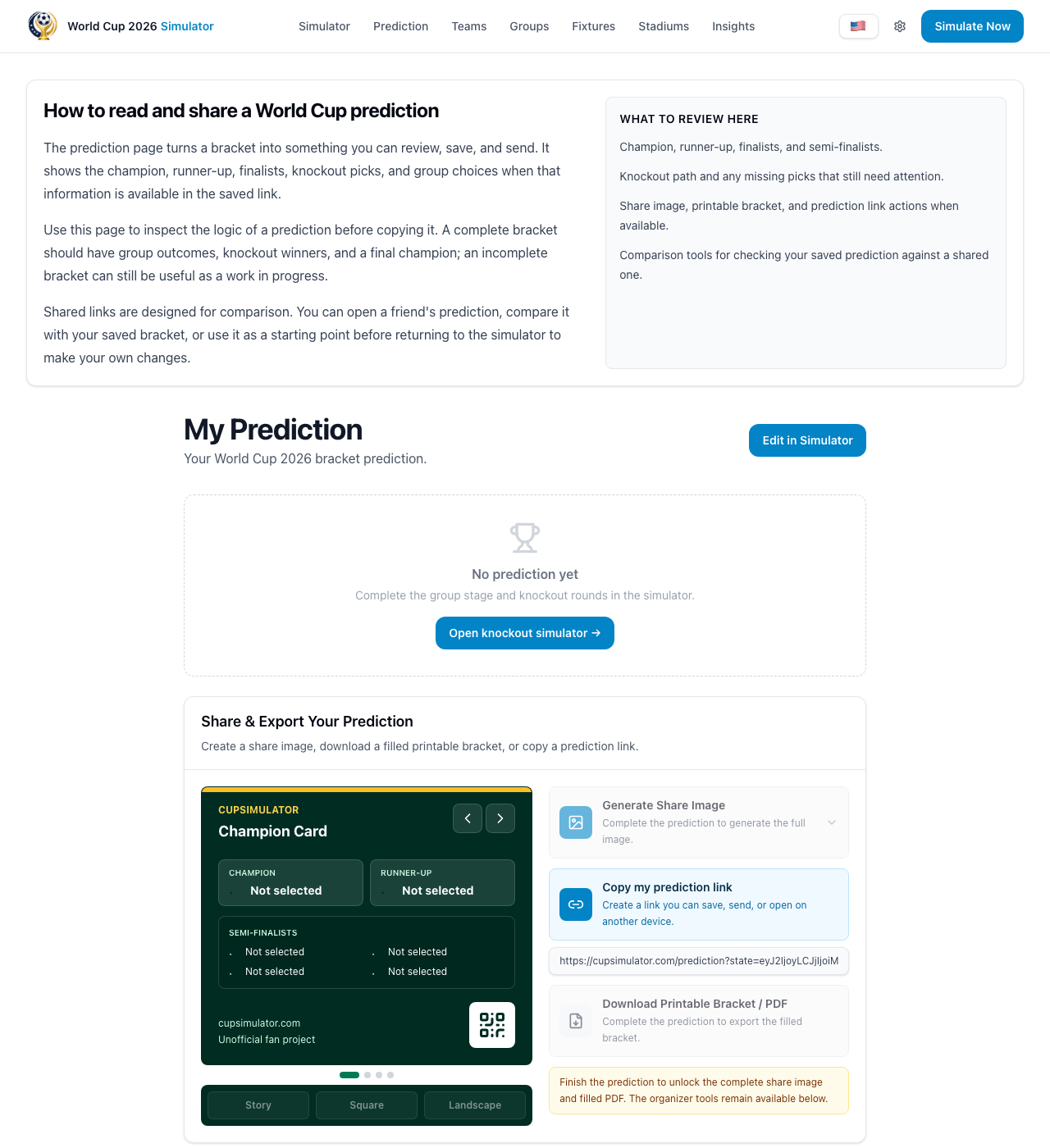
What opens when you visit /prediction
The prediction page can open in different modes. If you arrive from your own simulator session, it shows your current local bracket. If you open a shared `sid` link, it loads that shared prediction first.
This is intentional: shared links are treated as a separate source until you explicitly choose to use or edit that bracket.
Saved predictions are browser-scoped
Your saved list is tied to the browser profile currently in use (the same local context used by cookies and local storage). Switching browser, device, or private mode can show a different local history.
That means local saves are great for quick iteration, while shared links are the portable reference across devices and people.
- Same browser profile: your saved history appears.
- Different device or private tab: local history may be empty.
- Shared links still work anywhere the URL is opened.
Comparing against real results
When real match results are available, each saved prediction can show a small accuracy chart. It compares your saved picks with completed matches, so you can see outcomes, exact scores, misses, and unpredicted games without loading the bracket first.
The details view also shows the latest completed matches, your pick beside the real score, and community context such as how many saved predictions picked the same outcome.
- The saved-list chart is based only on completed real results.
- Details show exact-score hits separately from outcome hits.
- Community insight counts are aggregated from saved predictions, not personal data shown one-by-one.
Auto-updating with real results
In the simulator, Use real results can fill completed matches into your active bracket. Before applying, the preview shows what will be filled, overwritten, preserved, or locked.
Locked real results help keep completed matches stable while you keep editing future predictions around them.
Loading, importing, and shared links
From the saved panel, Load restores that saved state into your active simulator context. If you open someone else’s shared link, you can compare first and then choose to import it into your own local prediction.
This keeps collaboration safe: opening a shared link does not overwrite your current bracket automatically.
Create a new prediction
Your World Cup 2026 bracket prediction.